I attended AllThingsOpen this week, and I remembered how important it is to have hallway conversations to build community. And that curious folks ask a lot of questions that can be answered with the right link – but how do you share links in Real Life?
I try to include the most likely links in a slide appendix if the questions come up during the talk. But what about the hallway conversations that have questions, or want to connect on LinkedIn?
The answer came to me as I was reading a book on the bus on my Xteink X4 – a little pocket-sized eink device. If I prepared an ePub book full of QR Codes for my links, all my links would be easily shareable to other attendees!
The epub format is not terribly complicated, but making QR Codes myself, and adding xhtml pages, and rebuilding (re-zipping?) the epub gets tedious really fast.
Enter Quirk#
So I built a little tool I’ve named Quirk. Quirk takes a little yaml file, builds the QR codes for either URLs or vCards, and outputs the whole thing as an epub file, ready to load on my Xteink device.
What’s the yaml look like? Well, there’s an example in the link above but here’s another:
- title: Marc Links
  desc: Find me, and my recent work.
  url: http://muncus.github.io
That file, fed to quirk will give me an epub with one page – a QR Code that
links to muncus.github.io, where I keep a
linktree-style list of links that usually contains anything relevant for a
conference appearance.
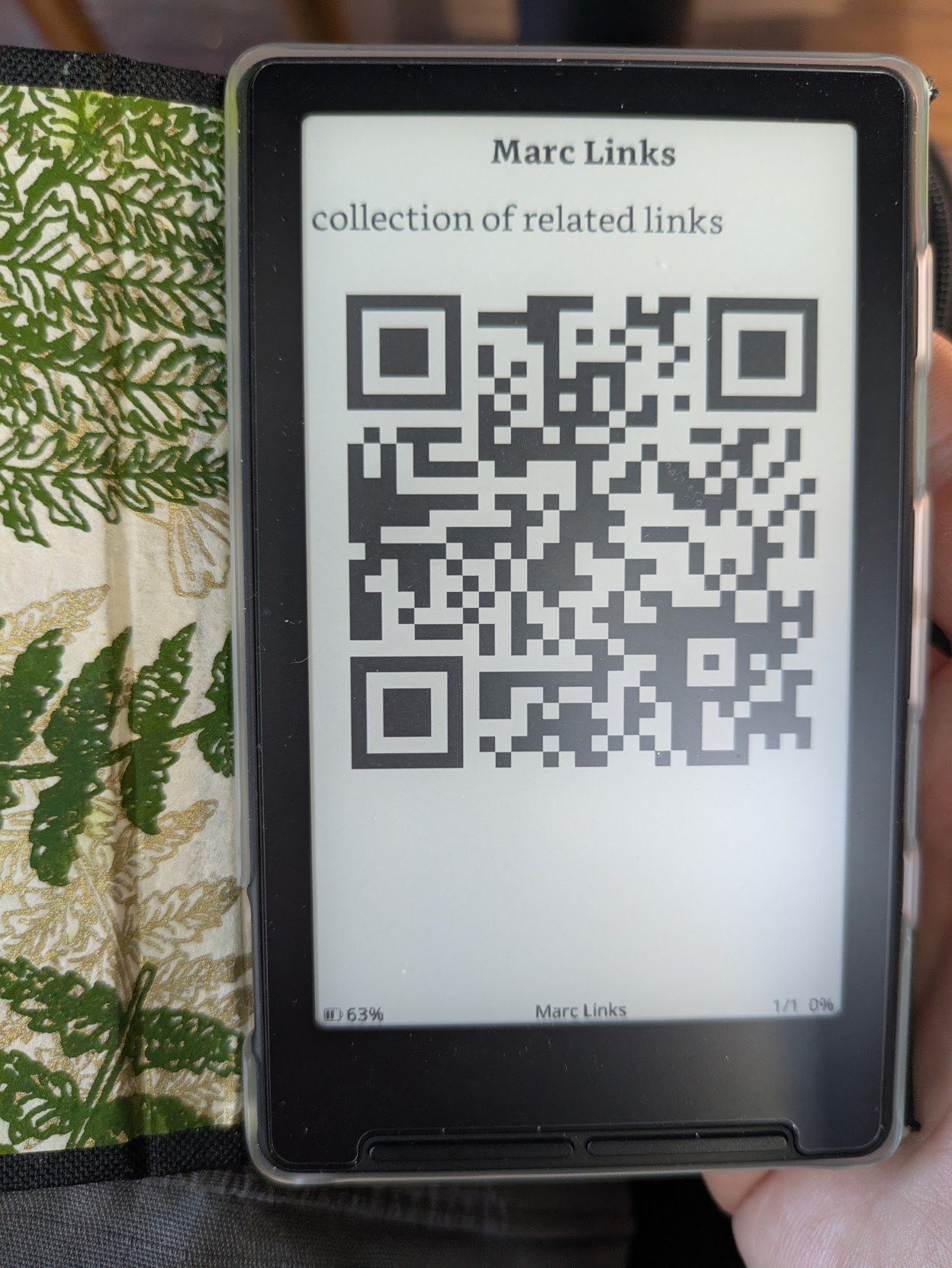
This bit of indirection means I can avoid rebuilding the Quirk epub for every event!
I built Quirk with Go, using the shiori epub library, and github.com/yeqown/go-qrcode/v2 for the QR codes.
These final epub files aren’t the prettiest, but it does give me an easy way to share links with attendees, without needing to bring out and unlock my phone.
more thoughts on small eink devices#
I’ve been carrying the X4 for several months now. It is an inexpensive device, so it is not as crisp and high-contrast as a high-end ereader. That said, for reading on public transit, or while waiting in line, its a great device. Having the x4 lets me avoid doomscrolling on social media.
To make it more useful, I’m exploring a way to generate epubs of webpages and other links for offline reading. The generation is a minor challenge, but delivering it to the device automatically is proving a bit more challenging. For now, it’s a manual pull from an OPDS server that I run at home.
For the firmware-inclined, the unlocked x4 device can be flashed with custom firmware, and there’s an active mod scene of different OS images you can run on the device. Personally, i’m using CrossPoint – its pretty barebones, but that’s what I like about it!
The battery life is amazing, and I can go months without charging, even after having finished 3+ full-length books on it.